New tools every month.
SketchUp and Blender tools that make life easier for architects.Free tools for architects, built with community support.

Easy Stair
Turn a ramp into stairs the easy way — live preview included.
One shortcut, eight tools — pick what you need without leaving the model.

Easy Material

Fun Rotate

Fun Align View
Easy material swaps, a quick rotate, and align the view — small moves that feel like fun.
Fun Align View

Fun Extrude

Bridge Tools
Align the view, extrude in six directions, then bridge faces — tools that keep modeling fun.

Axis by Selection

Easy Fillet
Pick edges, align once, and set the axis from your selection.

Easy Selection

Fun Extend
Select with ease, then extend or connect edges in one click — keep it fun.

Hide Tools
Hide, isolate, or unhide geometry — tools with a pie menu included.

Link Blender Pro
Bring SketchUp geometry into Blender easily and cleanly.
FAQ
How does Puppet Pro support free tools for everyone?
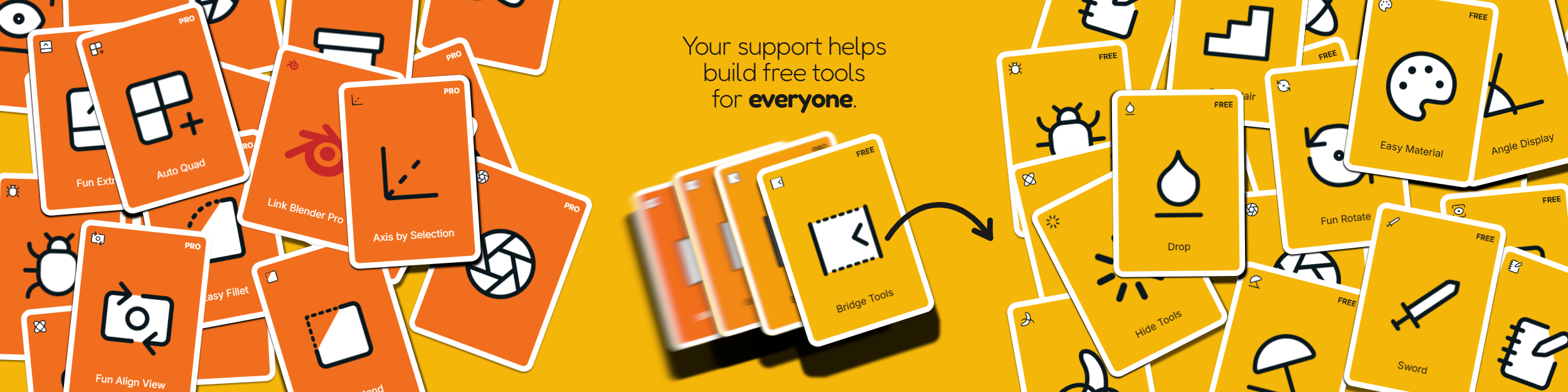
The SketchUp Free bundle is available to everyone. Puppet Pro members support the development of new tools for architects and help us bring more Pro plugins to the Free bundle over time. As a member, you also get access to the SketchUp and Blender Pro bundles. You can support the community by following Puppet3D on Instagram, YouTube and TikTok, sharing feedback or suggesting tutorials.
How do I update the SketchUp bundle?
Uninstall the previous Puppet3D extension first (Window → Extension Manager), then install the new .rbz and restart SketchUp. Installing on top can leave old scripts behind — SketchUp updates files that already exist but does not remove extensions that are no longer in the new bundle.
Puppet3D stopped working after an automatic update. What should I do?
Close SketchUp. In that SketchUp version's Plugins folder, manually remove only the affected bundle: Puppet3D_Bundle_Free.rb and the Puppet3D_Bundle_Free folder for Free, or Puppet3D_Bundle.rb and the Puppet3D_Bundle folder for Pro. Keep your other extensions and your Pro license token. Download the latest .rbz for the same bundle from the Download page, open SketchUp, install it through Extension Manager, and restart SketchUp. If it still does not work, contact support@puppet3d.com.
Will more extensions and add-ons be added?
Yes. Every month we add a new plugin, free for everyone. We also develop and update the Pro tools over time. Check Download for the latest tools and release notes.
I have an idea for an extension or add-on, where can I share it?
Email support@puppet3d.com with a short description of the workflow you have in mind. We read every suggestion.
What is the monthly contribution for a Puppet Pro membership?
The monthly contribution is US$5, billed automatically each month while your membership is active. You can manage billing in Settings.
Do I need internet to use Puppet3D Pro?
You can use Puppet3D Pro offline for up to 7 days. After that, connect to the internet briefly so SketchUp can validate your license and reset the offline period.
How many computers can I use?
Your Puppet Pro membership works on up to 2 computers, for example your office PC and your laptop. A computer is registered automatically when you open SketchUp with your license. Manage registered computers in Settings → Devices. To replace one when both slots are occupied, remove a computer you no longer use to free a slot.
I got a new PC or reinstalled SketchUp, what now?
Install the SketchUp bundle, copy your existing token from License, paste it into the plugin, and open SketchUp with an internet connection. Reinstalling SketchUp or Windows does not change your token. For device limits and replacing a registered computer, see How many computers can I use?
How do I become a Puppet Pro member?
Sign in, then click Why become Pro? or a Pro bundle's Download button to see the membership details. Select Become a member to continue to checkout. Creating your account is free and does not start a paid membership.
What happens if I cancel?
You can cancel auto-renewal anytime in Settings. You keep Pro access until the end of the period you've already paid for, and you won't be charged again. After that, Pro tools stop validating in SketchUp and Blender, while the Free bundle remains available. Refund requests are reviewed under Polar's terms and applicable law; an approved refund may end Pro access sooner. See our Refund Policy for details.